
Once a product has undergone registration and is on sale, you may go to the product page and modify the product.
1) How to start modifying your product
Click on "UPDATE PROJECT" at the bottom of the product page after you have finished registering it.
2) Submit after modifications
Feel free to edit the selected sections, then click the “Request Product Update” button!
After clicking the button, the AI will perform a preliminary review.
Please double-check any items that may be rejected, or click “Next” if everything looks good!
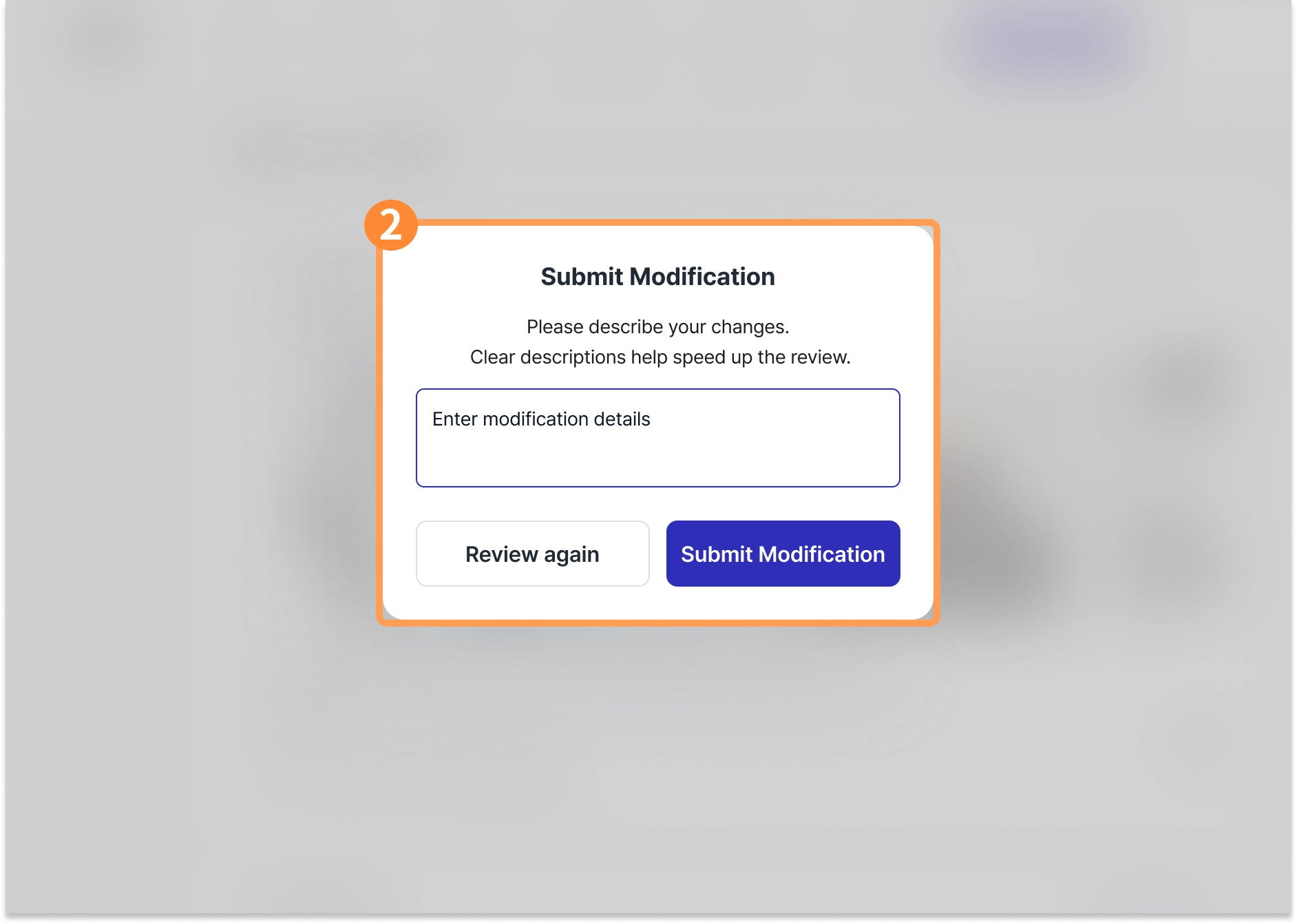
Please describe the product modifications in detail! The clearer your instructions, the faster the review process will be.
※ If you edit a file, the text you enter will be sent to the buyer via email exactly as written.
(If the text contains inappropriate language, it may be edited following an internal review.)

Revision reviews are completed within one week
Revision reviews are completed within 7 business days, and we will email you the results of the review
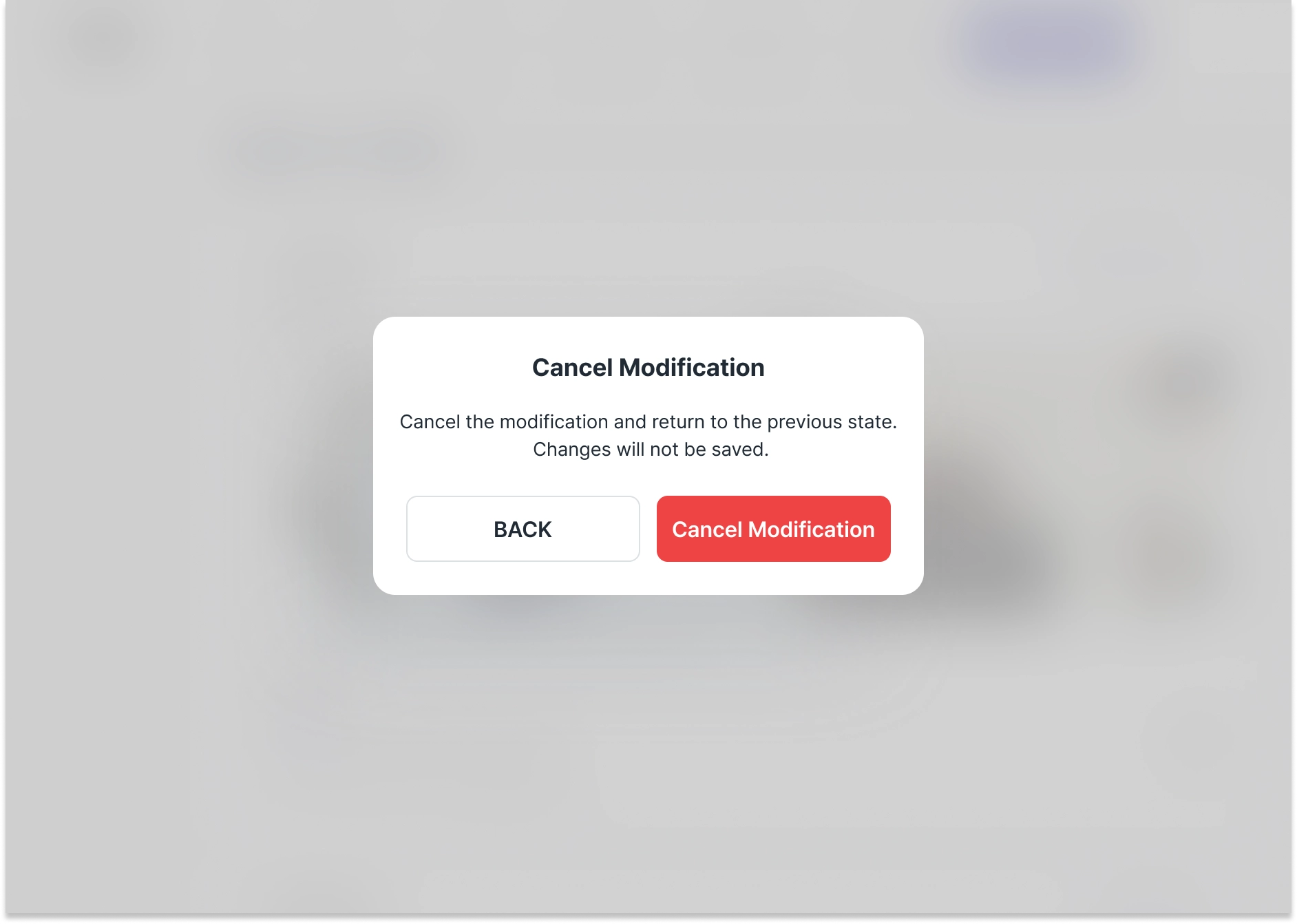
3) Cancel Modification
If you made a mistake while editing a product or need to make additional changes, you can undo the edits.
However, previously requested edits will not be restored, and this option is only available before the changes have been reviewed.