

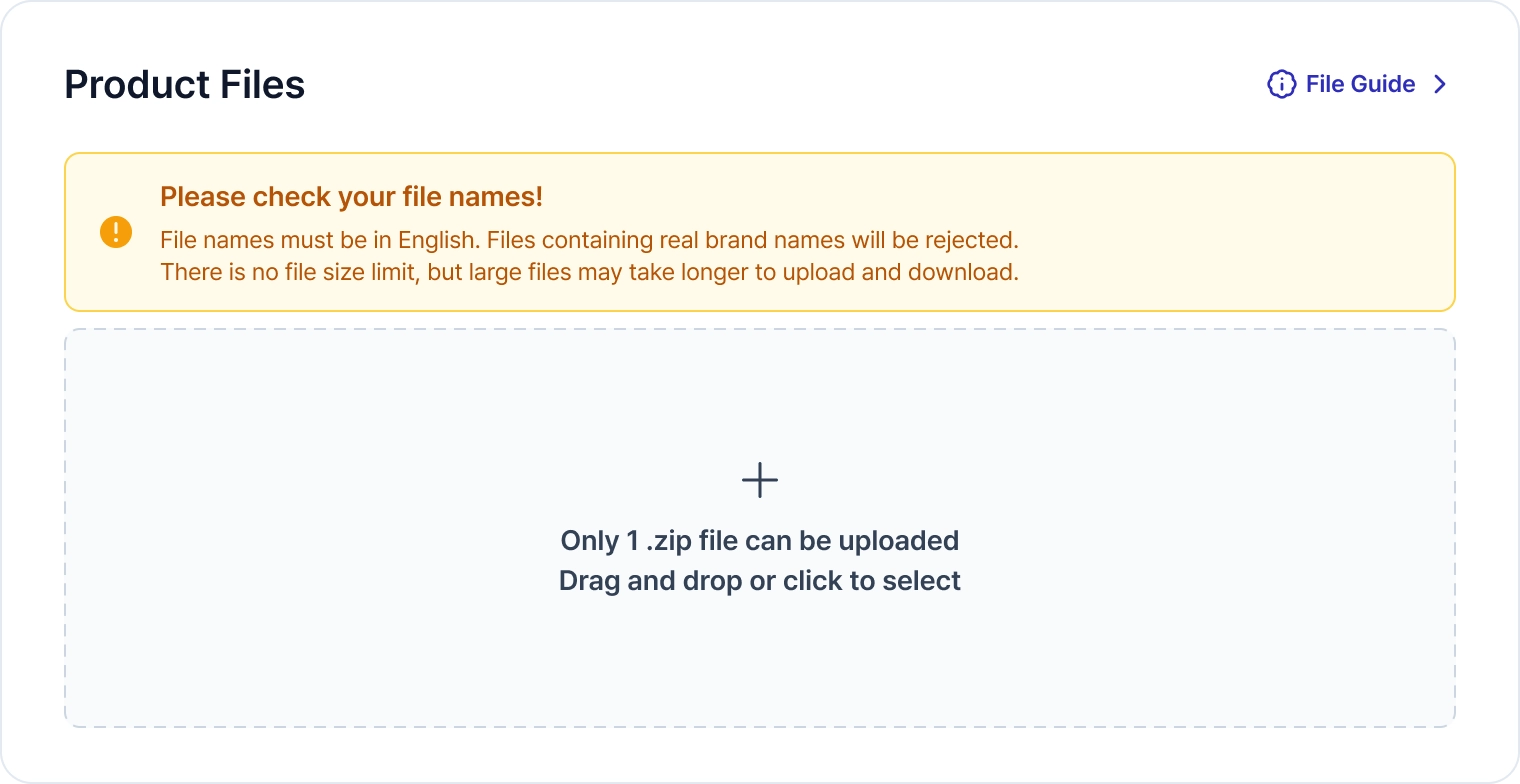
Please upload your product files in a .zip file . There is no file size limit!
. There is no file size limit!Please create a well-organized, lightweight file so that it can be enjoyed by many Creators.
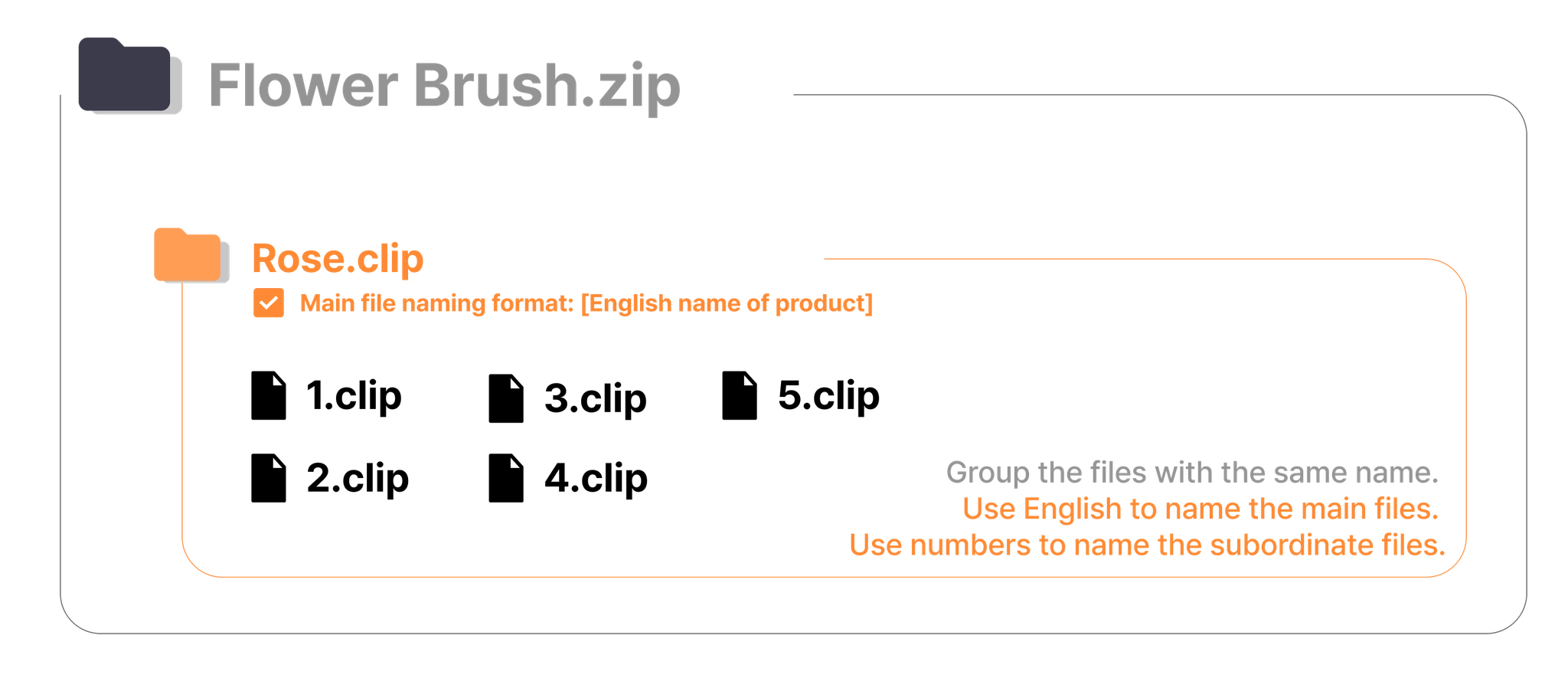
TIP! If you have multiple files, try grouping them together.
If you are having difficulty setting all of the file names to English because there are too many individual files within the .zip file, we recommend following the methods below.
1.
Group files together by theme
2.
Use English for the names of the main files. Use numbers for the subordinate files.
Check Formats & Compatible Software
Once the file upload is complete, please check the file extension and the associated program!
The system automatically matches programs based on the file extension.
Since this may result in programs that are not compatible with the Product being automatically matched, please be sure to check after uploading the Product.
If a program unrelated to the Product is matched, please be sure to remove it.

Check Supported Versions
If your product is for SketchUp or Clip Studio Paint, please select all versions that are compatible with the file.
Please make sure to check all compatible versions so that buyers can verify they have the correct version.
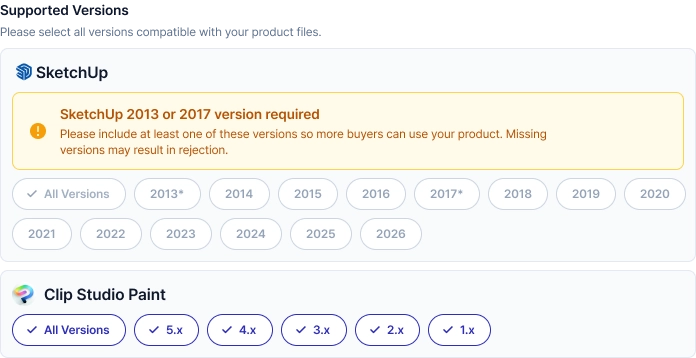 Please select the fully compatible, working version, not the development version.
 Pre-upload checklist for your files
These are things that you should check before uploading your files.
Can your product files run smoothly?
Do your files match the detailed product descriptions?
•
Make sure to look over user-friendly functions, such as layers, textures, dynamic components, auto actions, etc.
Are all of your product files included in the .zip file?
Are there any copyright notices or personal contact information inside the .zip file?
•
You cannot insert any information regarding copyright, your personal contact information, other platforms, etc.
When selling on an external site, did you include a duplicate document?
•
Documenting sites and submitting them to ACON are essential for smooth sales and CS.
Make sure to check the version on your SKP files!
Any SKP files that you upload should be the 2017 version or lower.
Please include the compatible Clip Studio version in the file name for proper usage.