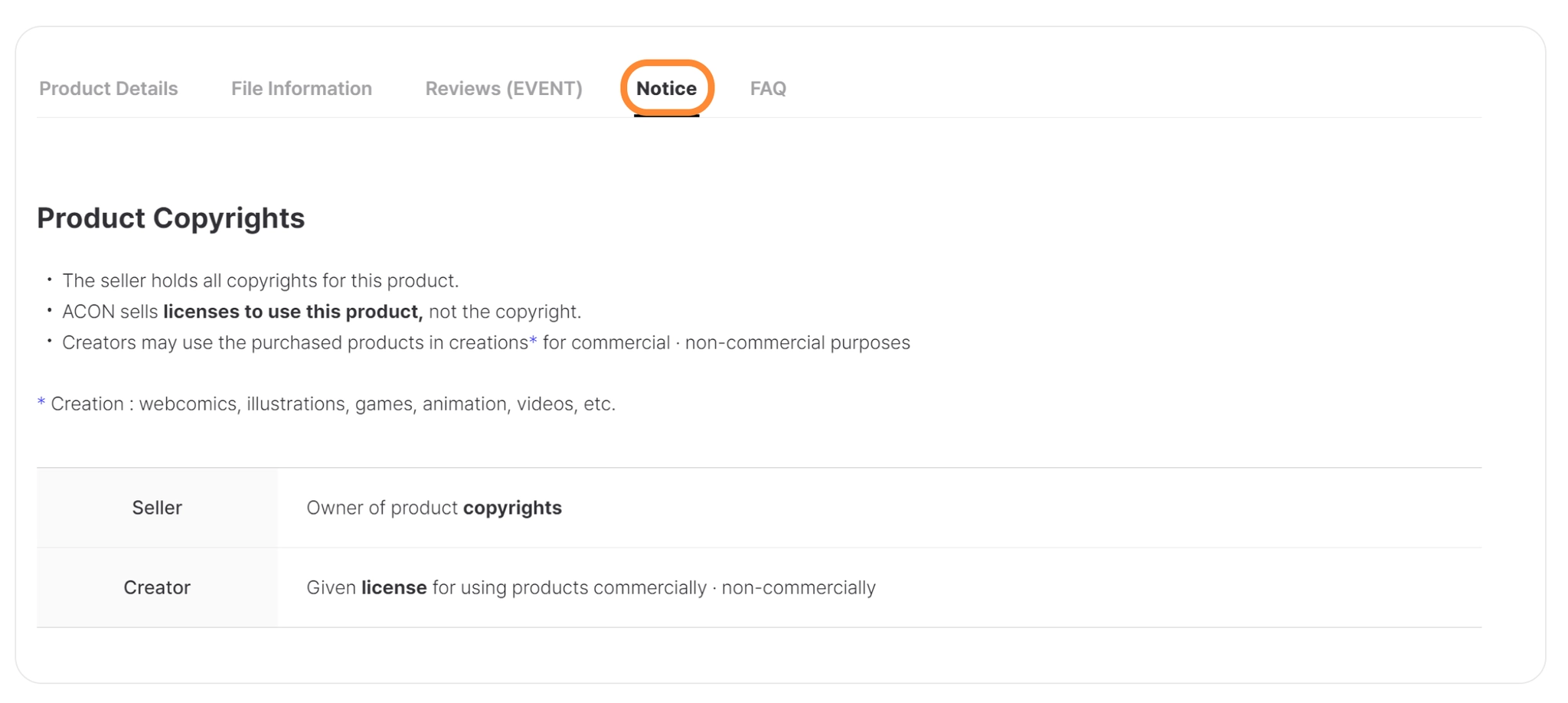


Posting images and videos of the product, as well as a description, can help you boost your sales. A detailed description is very important in helping a buyer decide whether or not they want to purchase your product.
Your product description will be translated automatically and made available to all ACON creators across the globe.
 Using the Detailed Description Template
We provide separate templates for products in the 3D, 2D, and Brush Asset categories, as well as the Transportation category. Using these templates makes it faster and easier to create product detail pages.
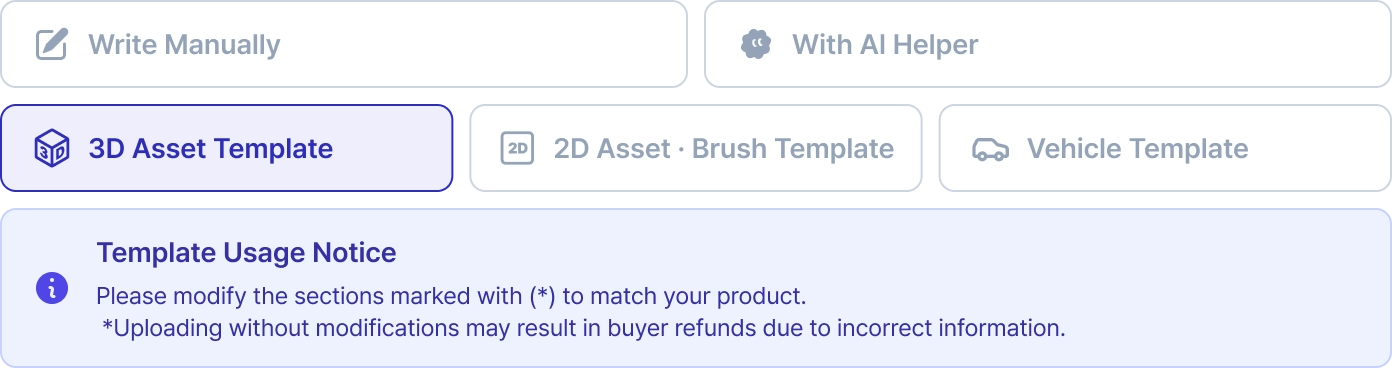
Using the AI Helper
Based on the information you entered earlier, our AI assistant will automatically fill in the details according to the template. You can easily complete everything from the product name to the product description.

Detailed Description Guidelines
Having trouble writing a product description? Follow our guide to create the perfect one.

1) Product Description
1.
Briefly introduce the author and the product name
2.
Explain the context in which the product can be used, as well as the theme of the product
Production environment
3.
File composition
a.
File list
b.
A product catalog image
2) Product Content
1.
An image of the product under 10MB
a.
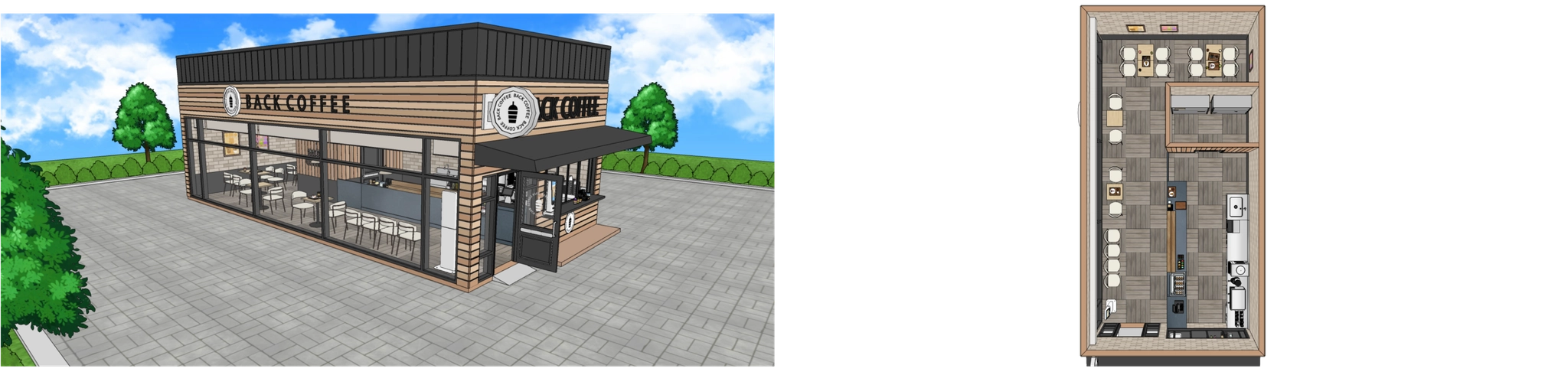
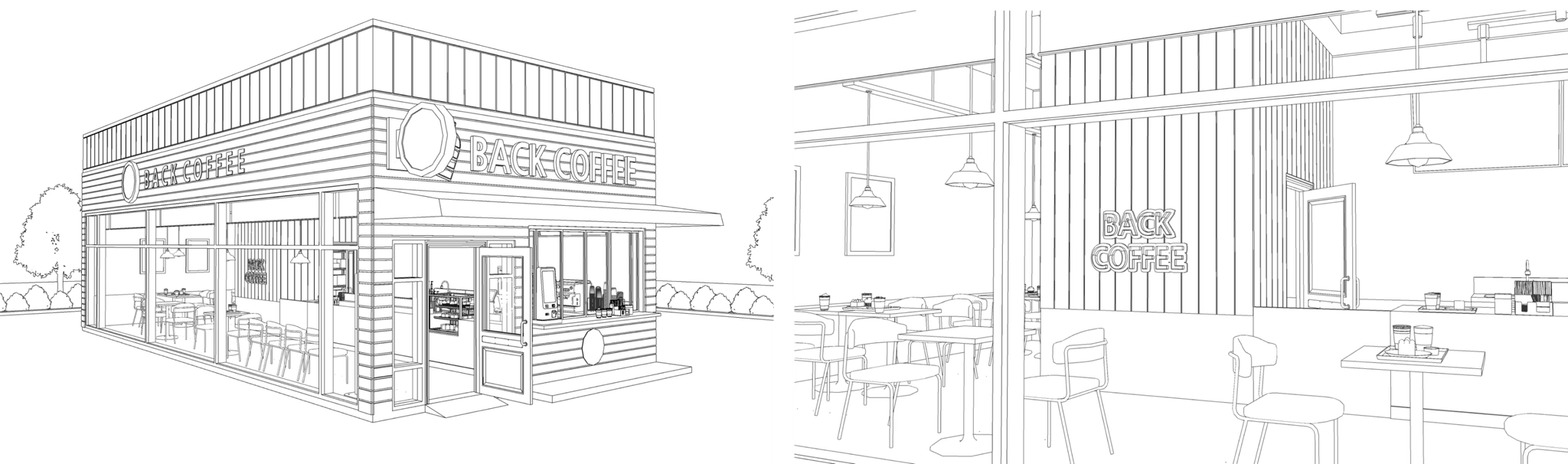
A floor plan/Panoramic view/Sky view that displays the overall structure of your product.
b.
If your product is a background, include human body samples so your customers can identify the scale of your product.
c.
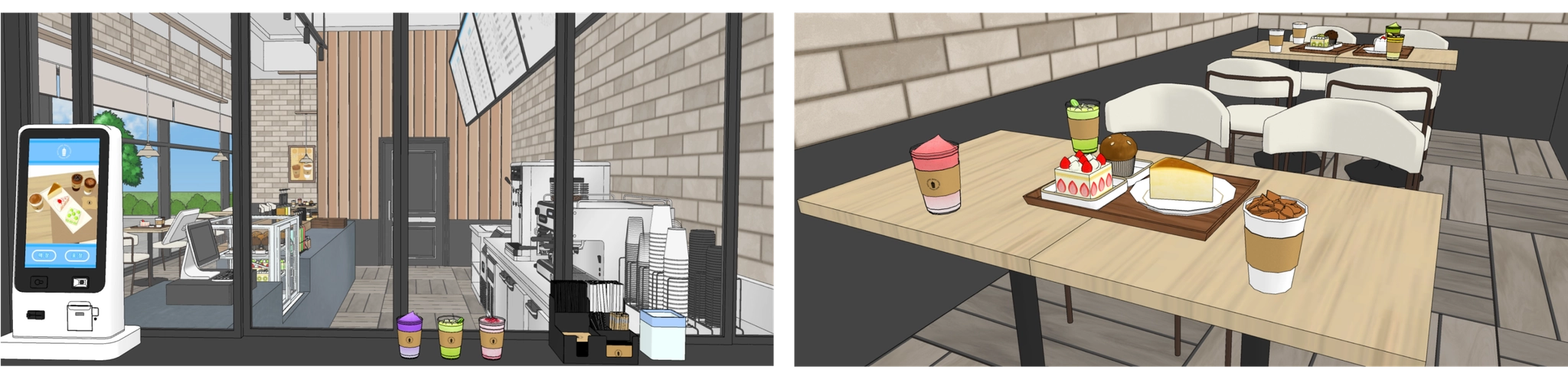
A close-up image that provides a good view of the product's details.
d.
If you're selling an SKP product, include all corrected/uncorrected/hidden line images.
e.
If you're selling a brush tool product, attach a GIF or example images.

A TIP for inserting an image for a more detailed description!
•
In case of a background product, try your best to show as much of your background as possible.
•
Avoid applying your own watermark to the pictures. ACON will automatically apply a watermark for you.
•
You cannot copy and paste images from the Partner Hub. Please upload the image directly.
2.
Product Content
a.
A detailed description of the attached images (e.g., where they can be found in your product)
3.
Detailed description of the product's makeup
a.
Explain how to use hidden elements
b.
Explain how to use dynamic components or textures
c.
Give example GIFs or videos/images on how to use dynamic components/textures/auto actions
d.
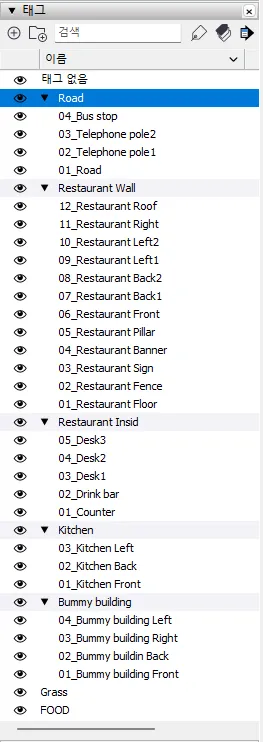
Attached is the product layer composition image.

Individual license or Copyright notices cannot be included in product details.
All products sold on ACON are subject to the ACON End User License Agreement (EULA),
and this policy is announced via the ‘Notice’ section on the product detail page.
If different license notices appear within a single service,
it may cause confusion for buyers, so please refrain from including separate license or Copyright Owner statements.