


 General promotions
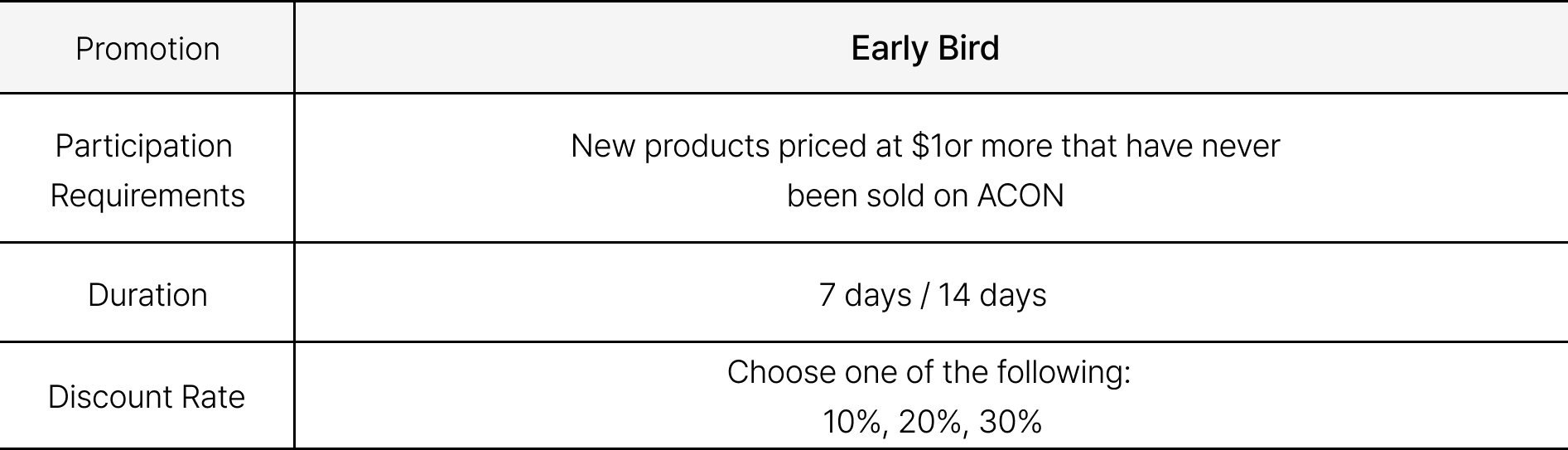
 How to Sign Up for General Promotions
Apply via the [Product Upload] - [New Product] - [Price] tab
(※Products priced at $10 or more are eligible for the early bird discount.)
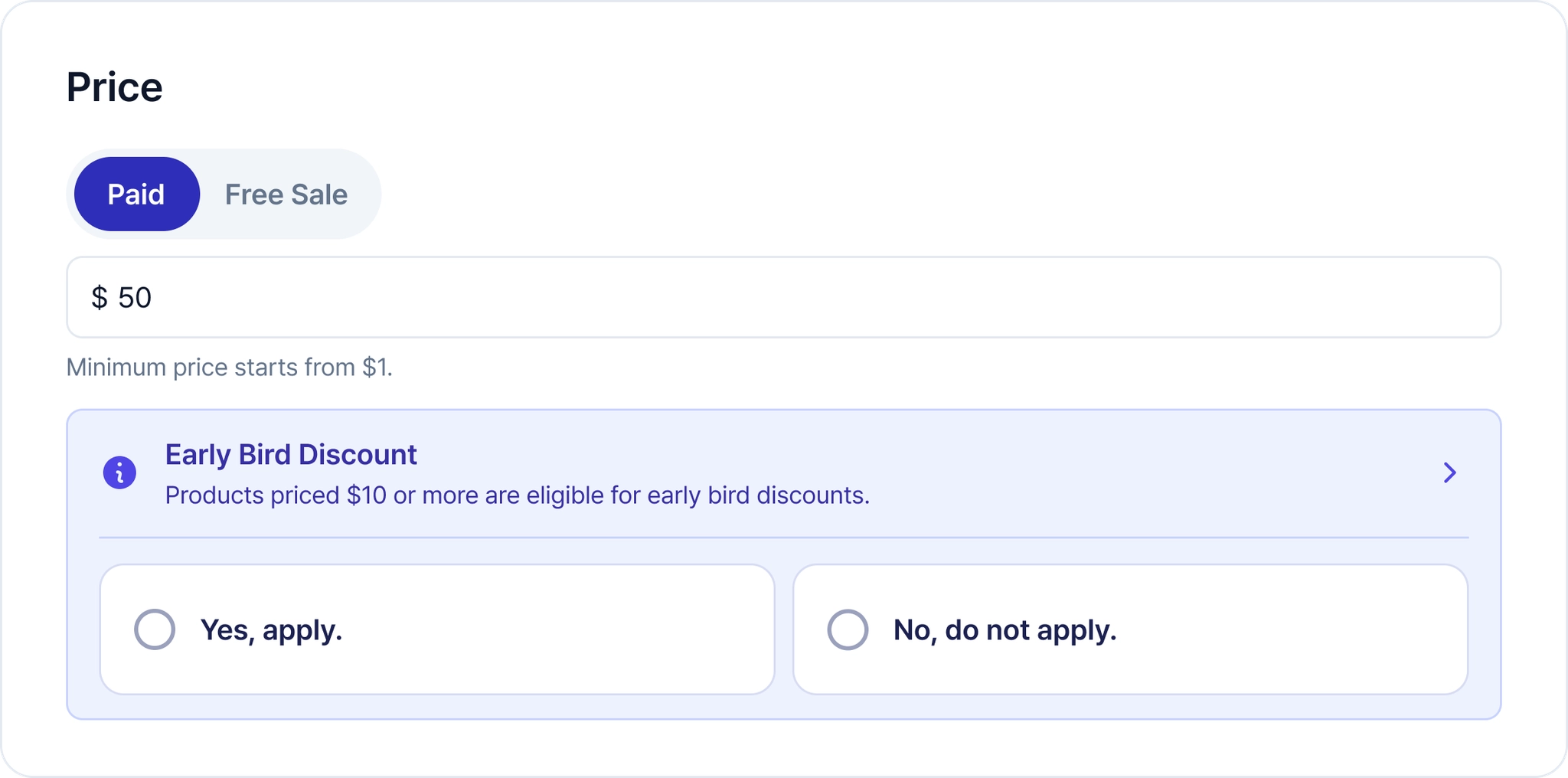
 Setting the Price
•
If you enter a sales price of $10 or more, a window asking if you’d like to apply for the early bird offer will automatically appear. If you’d like to participate, please click the Yes, apply. button!
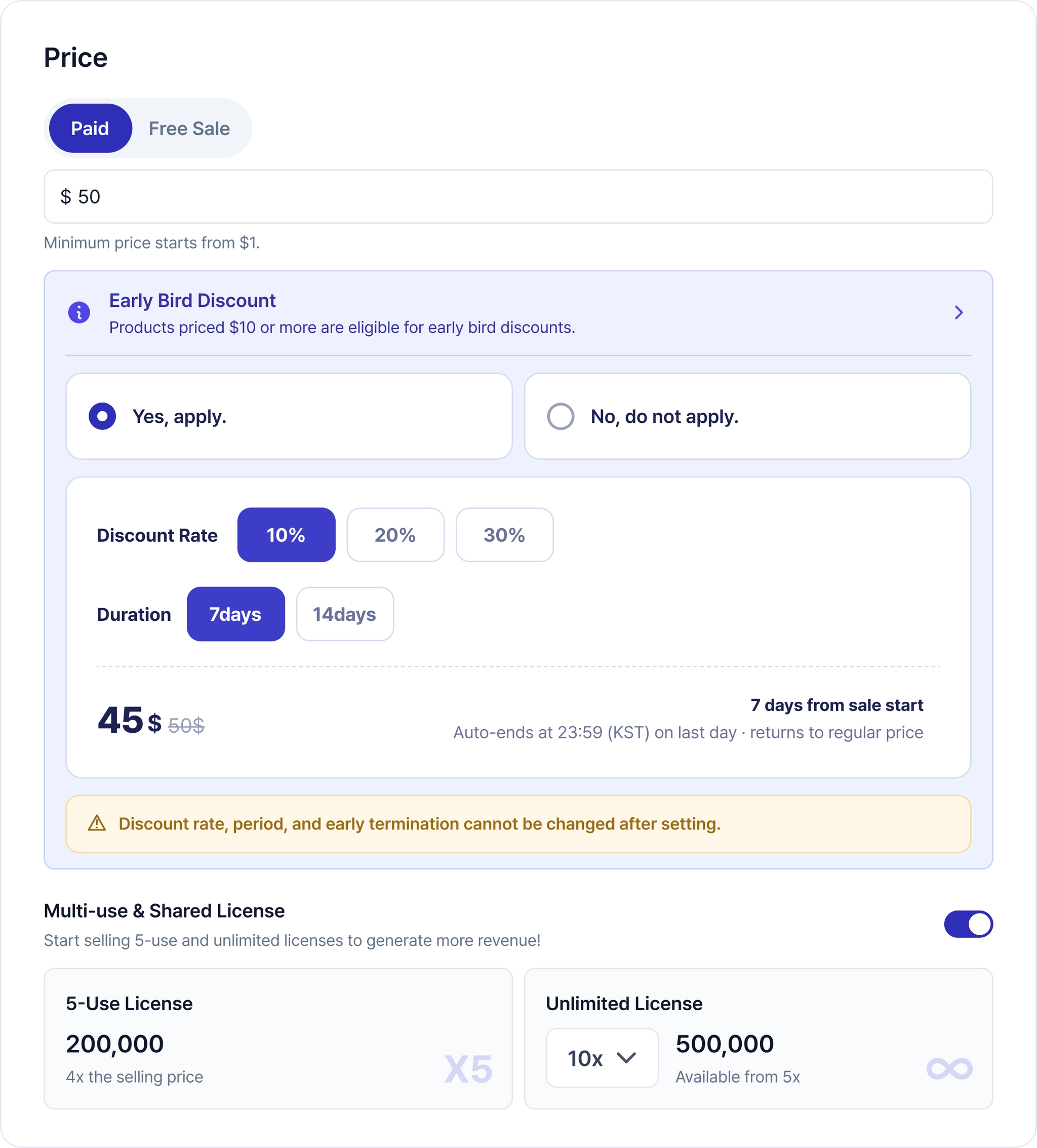
 Setting the Discount Rate and Duration
•
After clicking the “Apply” button, you can select the discount rate and duration. Once the sale begins, it will be difficult to change the discount rate or duration, so please choose carefully.
•
The early bird discount begins as soon as the Product goes on sale.
 General Promotion Notes
•
The discount rate and period cannot be modified after registration is complete.
•
The discount remains in effect until the end of the set period.
•
The early bird discount can only be applied once per product.
•
Early bird discounts are not available for set products.
•
The brand is responsible for the discount cost.
Special Promotion
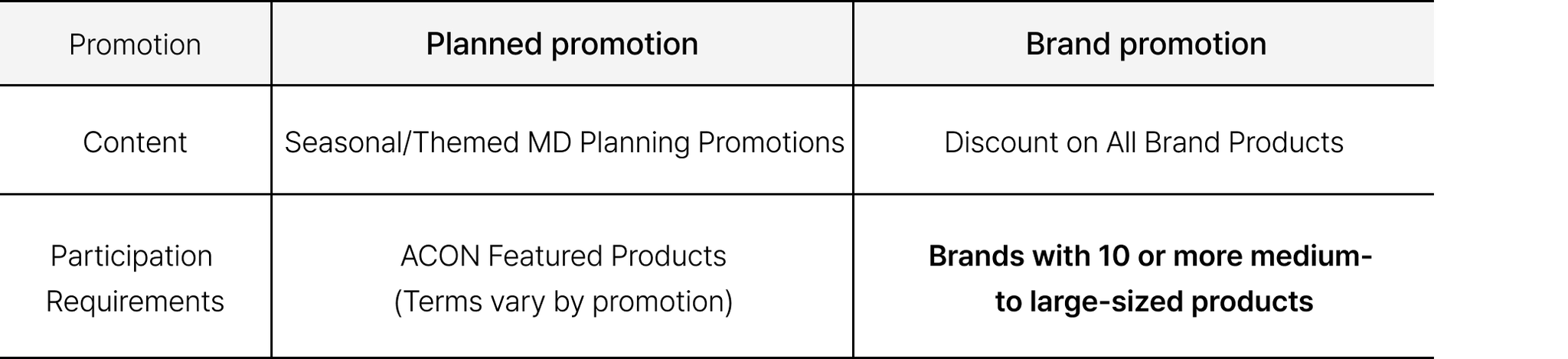 How to Sign Up for the Special Promotion
[Promotion] - [Recruiting] Select the promotion you want and apply.
(※Please be sure to check the genre, category, and restrictions before applying.)
Apply•
You can view the promotions currently available on the [Recruiting] tab. After checking the dates and the information provided below,please click the Apply button!
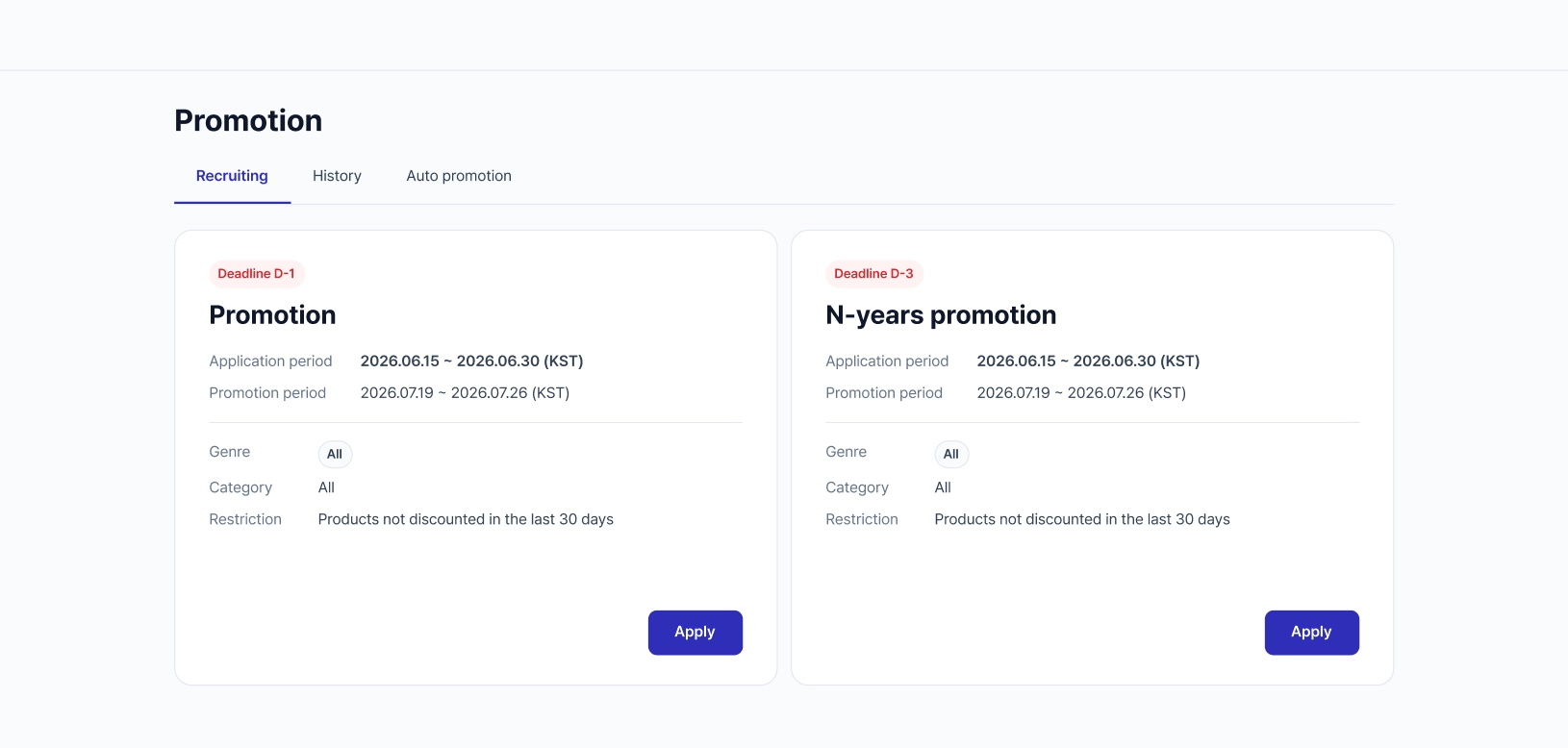
(※This is an example image.)
Join in•
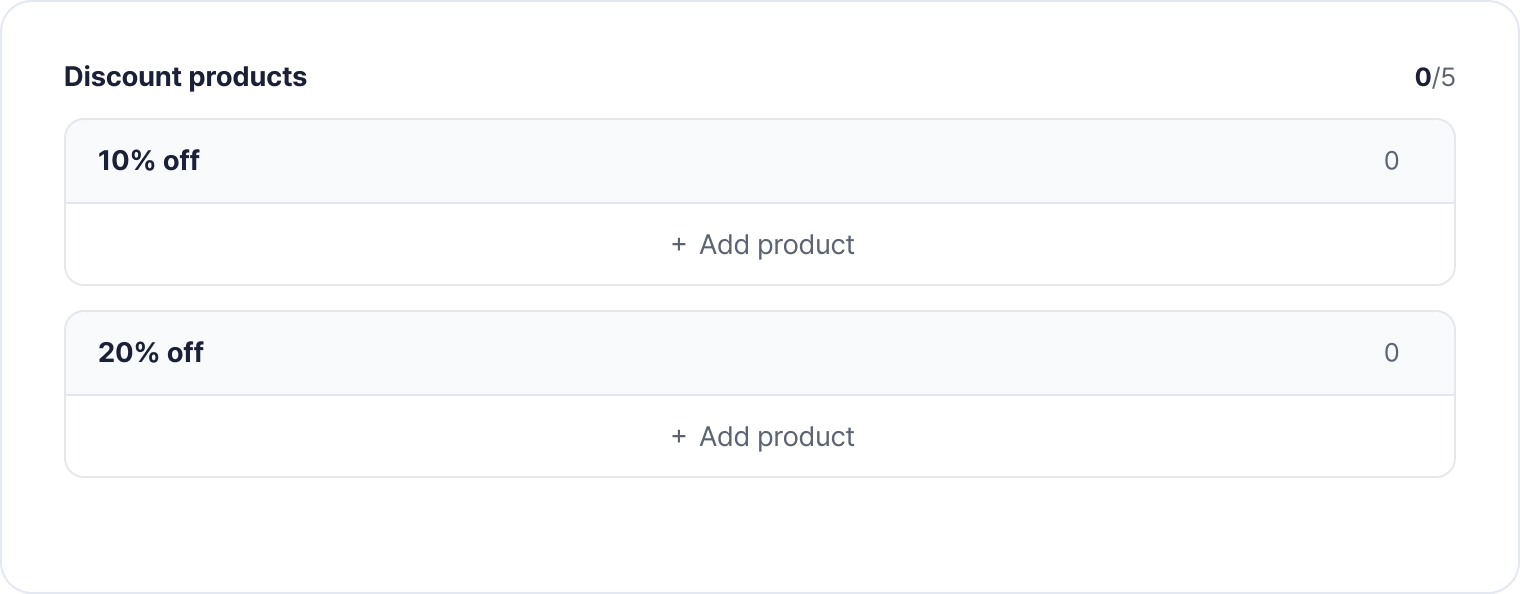
Click the Apply button to view the promotion page in detail! After reviewing the promotion period, terms, and conditions, please click thejoin button if you wish to join. A tab will appear where you can add the products you want.
 Select Products
•
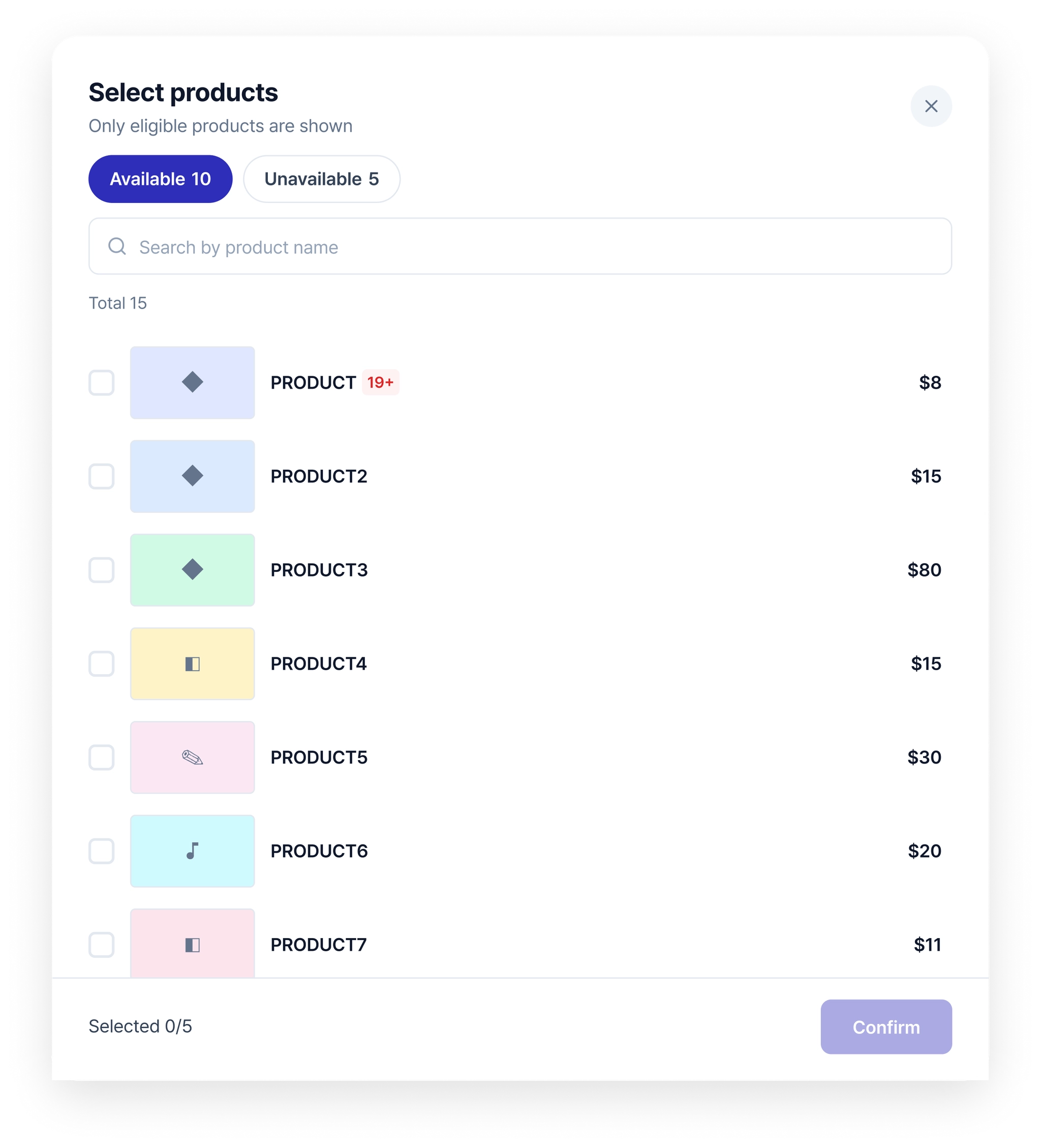
You can choose the products you want to include in the promotion yourself.
•
Products that are ineligible for the promotion, along with the conditions, can be found under the Unavailable tab!
 Registration Application and History Check
•
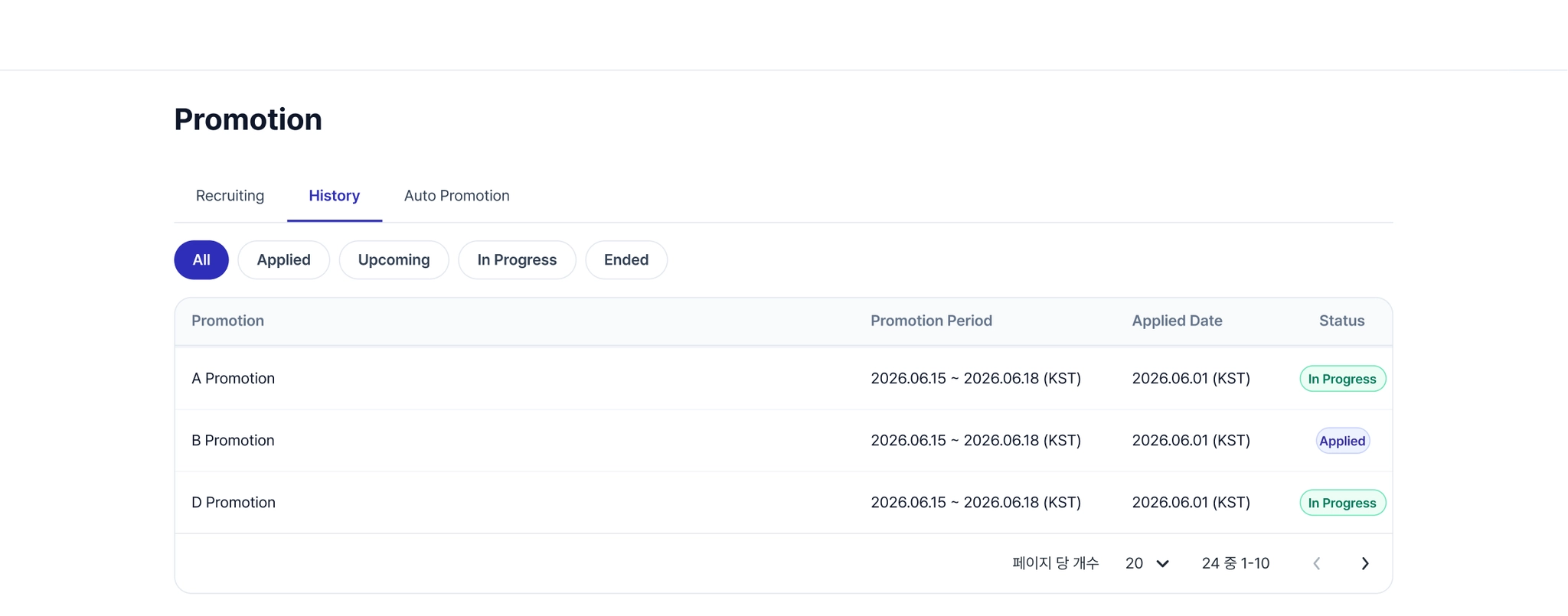
You can check the promotions you've signed up for in your application history!
 Special Promotion Notes
•
Product prices cannot be changed while a promotion is in effect.
•
If there are specific terms and conditions for participating in a promotion, the products you can select may be limited based on those terms.
2) Where will promotions be shown?
 General promotions
1.
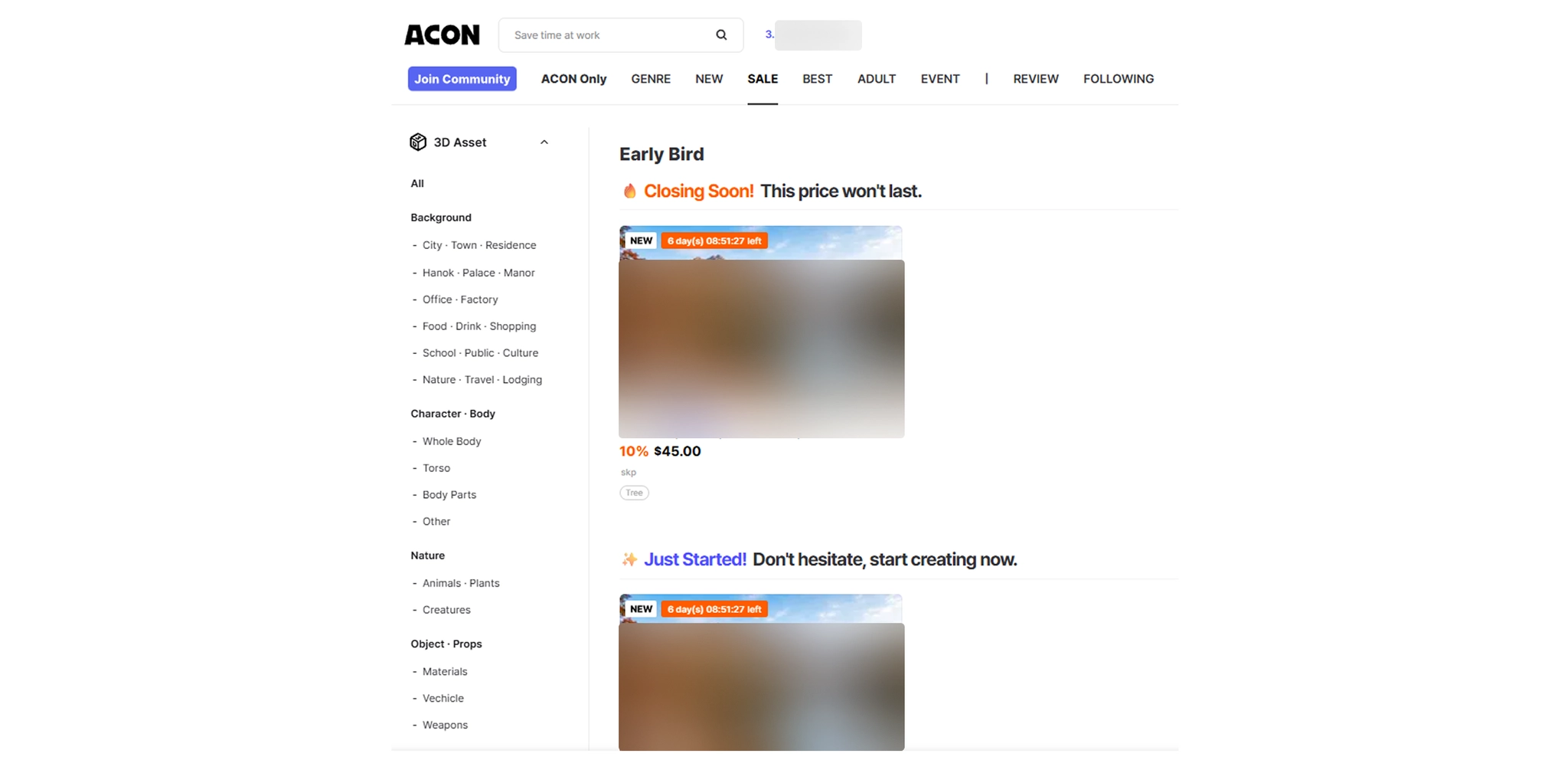
Early Bird
•
The upper portion of the [SALE] tab: Early Bird
Special promotions
1.
Planned promotions
•
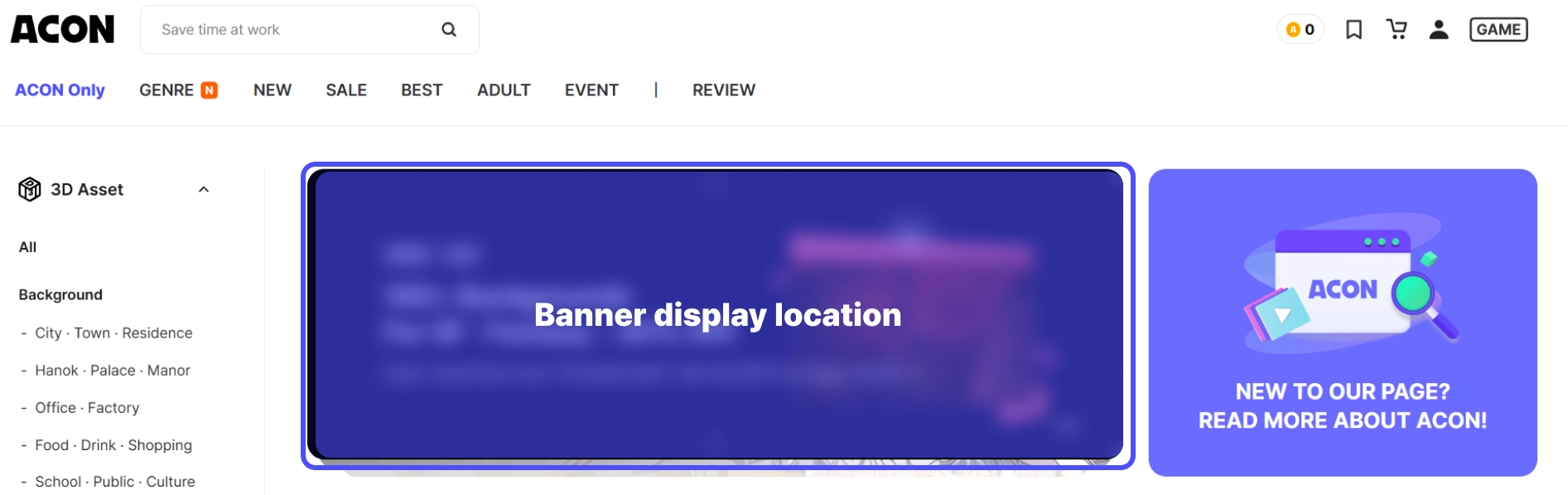
The main banner of the ACON home page
•
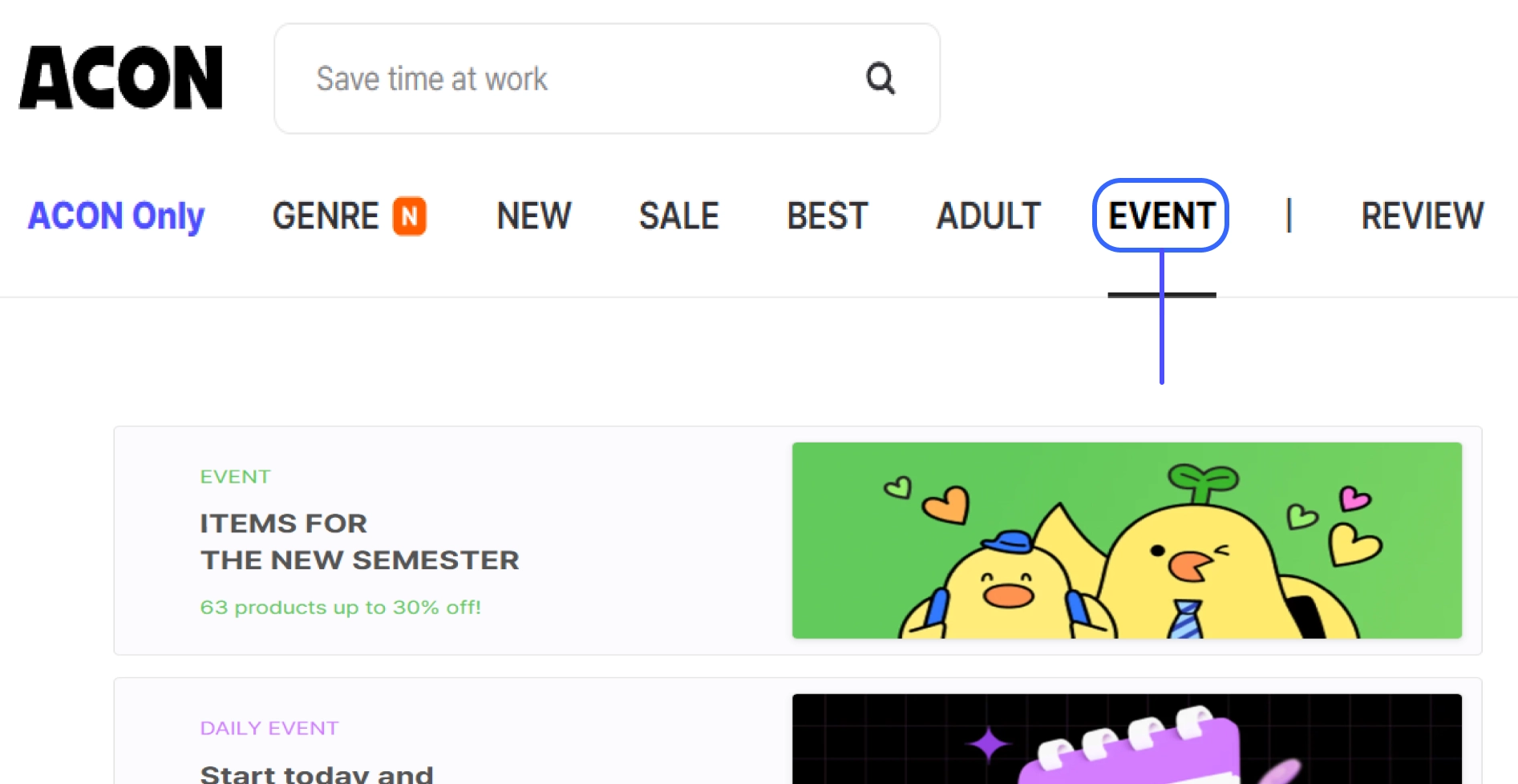
[Events] tab
2.
Brand promotions
•
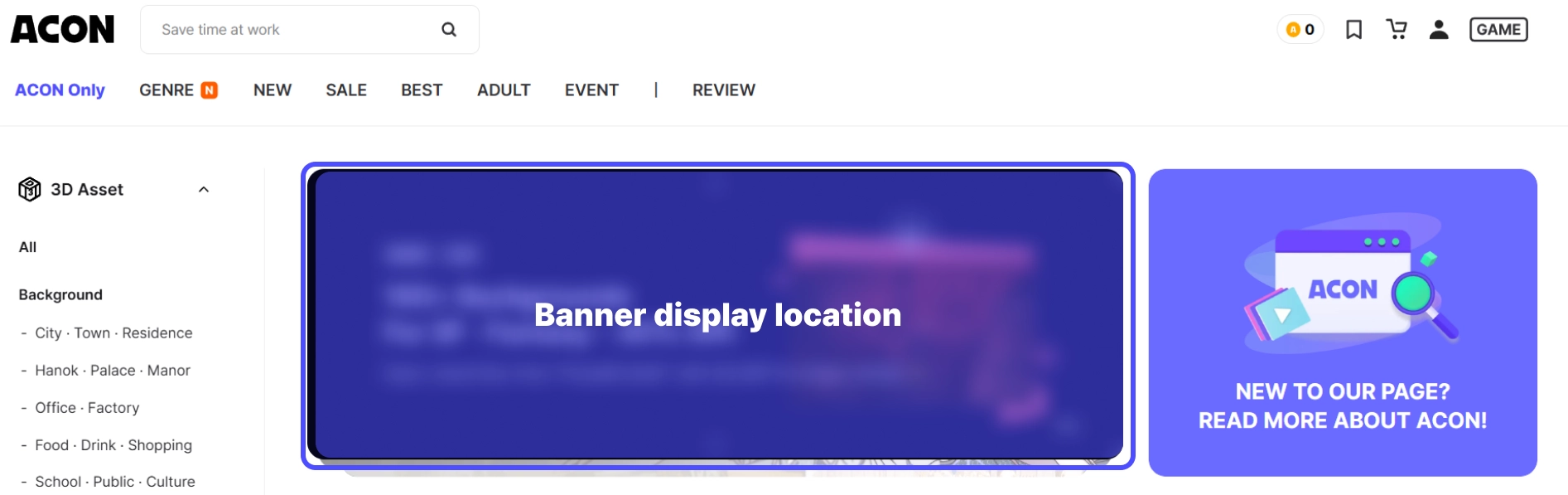
The main banner of the ACON home page
•
Brand week promotions on the ACON home page